Onboard to Microsoft 365
Mailbox onboarding from on-premises Exchange to Microsoft 365.
Mailbox Migration Tool
Your Smart Solution to Cross-forest and Cloud Exchange Migrations. Leave Your Legacy Exchange Environment Behind. Migrate and Consolidate to New Exchange 2019 or Transition to Microsoft 365.

Don't hit a dead end with your cross-forest Exchange moves. Allow Efflux Migrator to efficiently migrate Exchange mailboxes across any two Active Directory forests. Experience smooth migration of not only individual mailboxes but also their passwords and data.
If you want to export passwords along with your mailboxes just install ADMT tool on the target server, Password Export Server on the source server and establish a trust relation between your source and target DCs.
Capabilities
Everything Efflux Migrator can do for your Exchange and Microsoft 365 moves.
Move mailboxes both ways: onboard to Microsoft 365 or offboard back to on-premises Exchange.
Mailbox onboarding from on-premises Exchange to Microsoft 365.
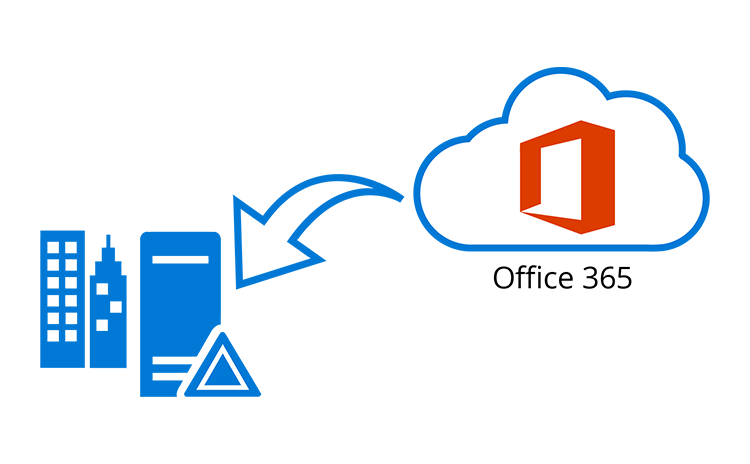
Move mailboxes from Microsoft 365 back to on-premises Exchange.
Built for reliable Exchange and Microsoft 365 mailbox migrations.

Seamless experience for Outlook clients. No downtime during migration.

Export of passwords to remote target forest.

Cross-forest migration of Exchange mailboxes without the need of establishing a trust between the forests.

Onboarding to Microsoft 365

Rules, tasks, contacts and calendars.

Provision for moving multiple accepted domains.

Display of real time state of each mailbox during the migration process.

Migration of archive mailboxes
Choose the path that matches your Active Directory target.
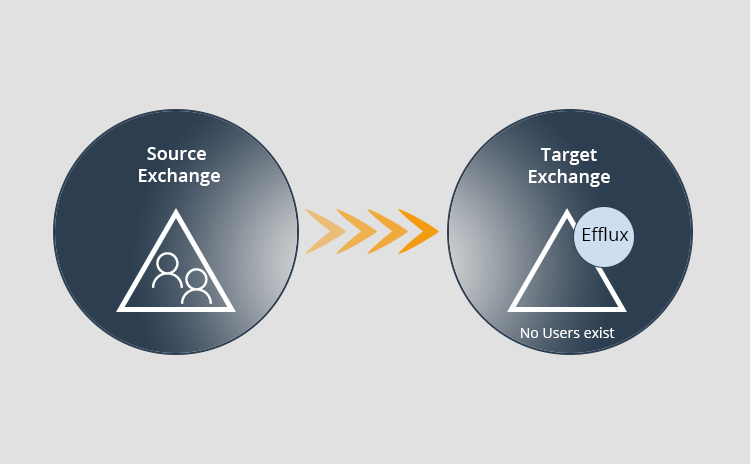
No AD users exist on the target DC
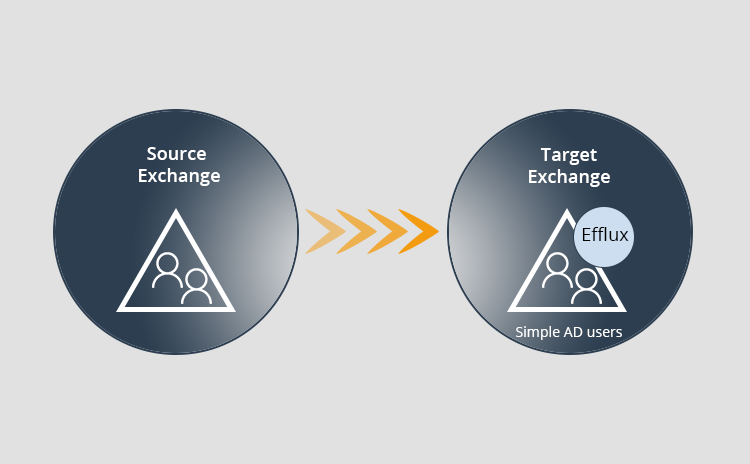
Simple AD users exist on the target DC
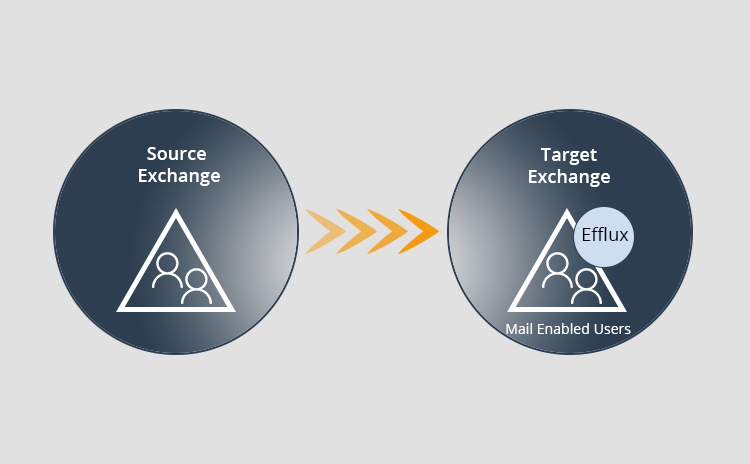
Mail Enabled users exist on the target DC
Programmatically remove the hard parts of cross-forest Exchange moves.

Programmatically remove complexities involved in manual migrations. Allow even an average technical resource to perform cross-forest Exchange moves.

Export passwords to target forest. Install ADMT tool on the target server, Password Export Server on the source and establish a trust relationship between the source and target DCs. That's it, you are all set to export passwords along with mailboxes.

Migrate across same or different versions of Exchange. Migrate from Exchange 2010 to the same 2010 version or from 2010 to a newer version like 2013/2016. Leave legacy systems behind with Efflux.

No need of establishing a trust between forests. Migrate mailboxes without undergoing the complex process of establishing a trust relationship between AD forests.

Automatically setup AD users on target forest. No issues if there are no AD users on the target DC in advance. Permit Efflux to handle auto-setup of target user accounts.
Product Tour
See the Efflux Migrator interface at a glance.