HC IaaS Platform
Hosting Controller's Server Virtualization Module
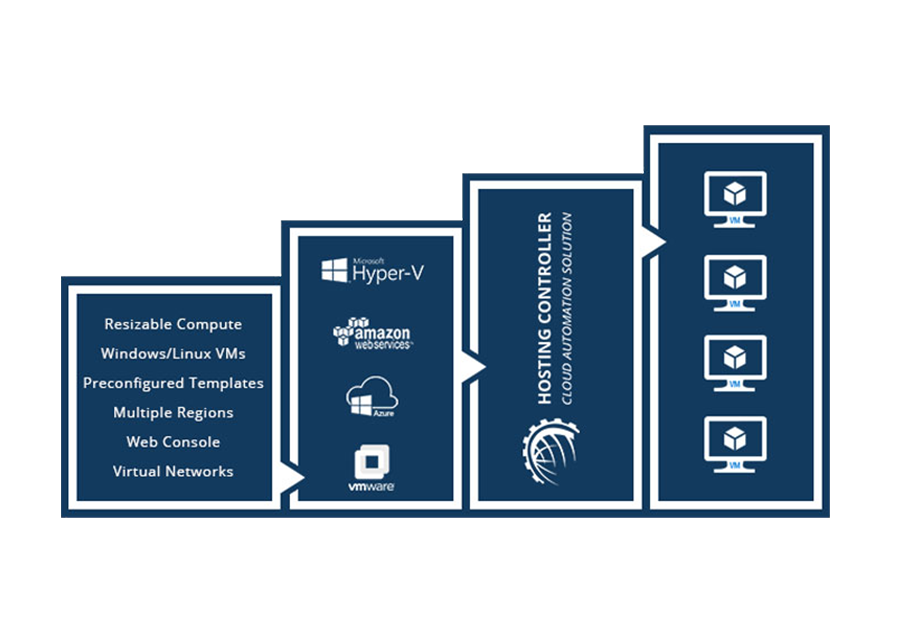
Enable an organization to fully automate the management of its virtual machines on-premises or in the supported public clouds. Private Cloud supports Hyper-V and VMware. Public Cloud supports Amazon AWS and Microsoft Azure.
Control Panel Features
Multi-tenant architecture, self-serve dashboards, APIs, quotas, automated provisioning, and end-user VM management.

Multi-Tenant User Architecture
All users have an account in the control panel. Accounts are arranged in hierarchies. All resources are attached at a tenant level and users at that level have full access to the owned resources, fully isolated from resources owned by other users.

Self-Serve GUI Dashboards
All users have access to self-serve GUI dashboards; intuitive portals with full management of resources automated behind web based interfaces.

API for DevOps and Automation
Restful APIs for all control actions. Allows DevOps to automate all their processes and write workflows for repetitive tasks.

Hierarchical Quota Management
Manages the limits of how shared infrastructure at hardware level is allocated to the different users and departments. All their one-click automated provisioning is restricted to their assigned quotas.

Automated Virtual Machine Provisioning
Fully-automated provisioning of new virtual machines based on prepared OS templates, including computer name, administrator password, public/private IP assignment, Sysprep support, and a VM summary email.

End User VM Management
End users can view VM details, monitor bandwidth, CPU, RAM and IO, create and manage VMs allowed by their plan, change passwords, use web console, manage state, snapshots, and networking.
Capabilities
Virtualization Module Features
On-premises Hyper-V and VMware, multi-cloud AWS and Azure, web console, failover clustering, and more.
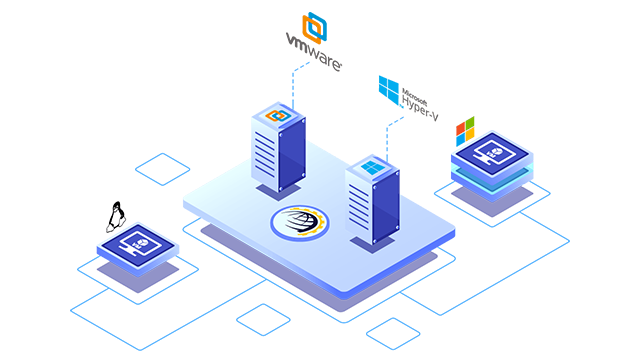
Multi-Technology Support On-Premises
Following virtualization platforms are supported on-premises:
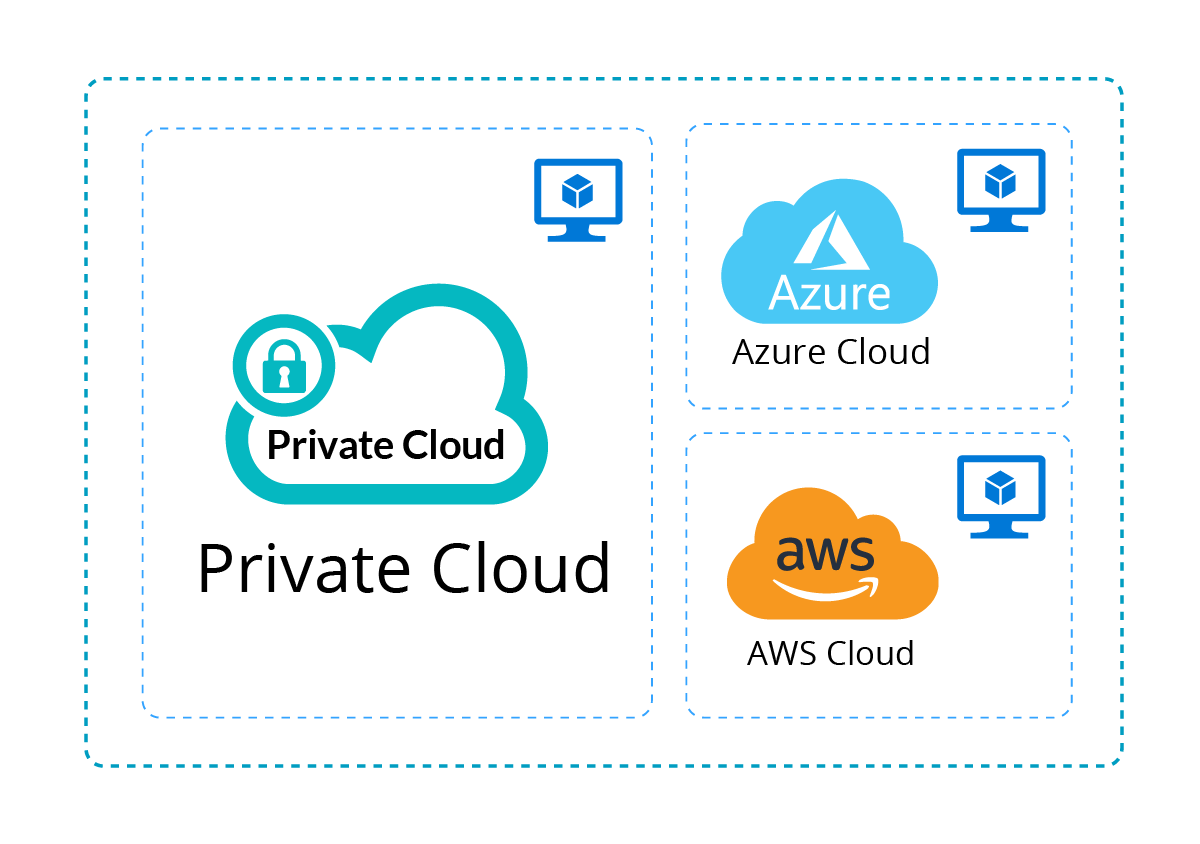
Multi-Cloud Support
Supports automated management of virtual machines on following public clouds:
- Amazon AWS
- Microsoft Azure
- Private Cloud
Supported Technologies
Hyper-V, VMware, Amazon AWS, and Microsoft Azure, managed from one control panel.
Web Console Login
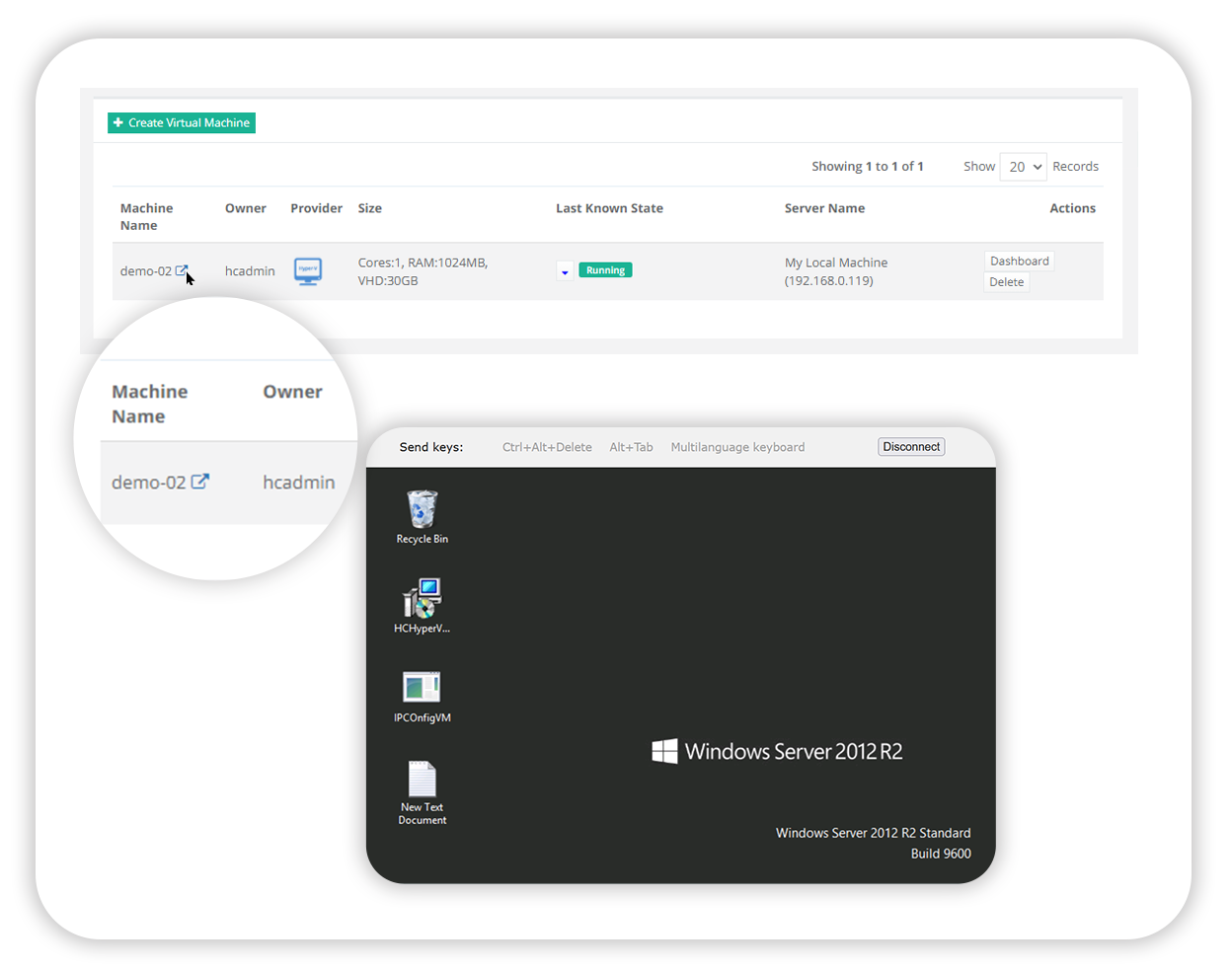
Gives web-console access to the underlying virtual machines through a web browser. No remote desktop or VNC access required to allow remote login. Supported platforms:
- Hyper-V
- VMware
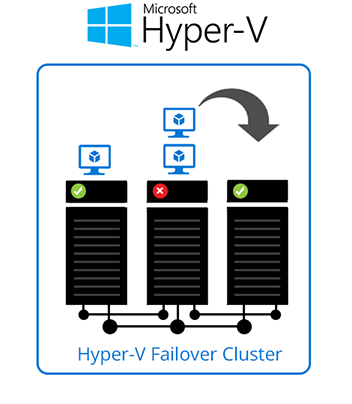
Fail-Over Clustering
Move virtual machines from failed nodes onto other nodes through failover clustering, avoiding downtime.
- Hyper-V Module: Uses native technologies to trigger failover to other nodes. No SCVMM license needed. (Huge cost saver for all organizations).
- VMware Module: Uses vCenter under the hoods to trigger failover to other nodes.
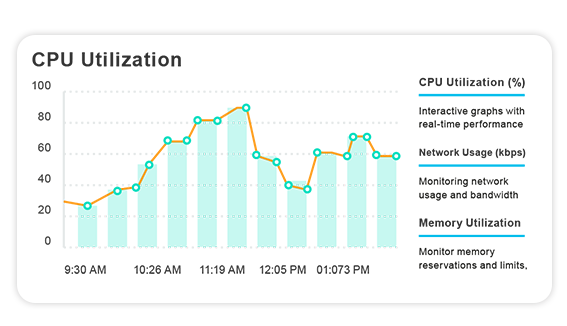
Usage Metering Analytics
Provides metering info for bandwidth, CPU, RAM and IO of each individual VM. Metering info and clustering is consolidated per user hierarchy for multi-tenant architecture.
Import Existing Virtual Machines
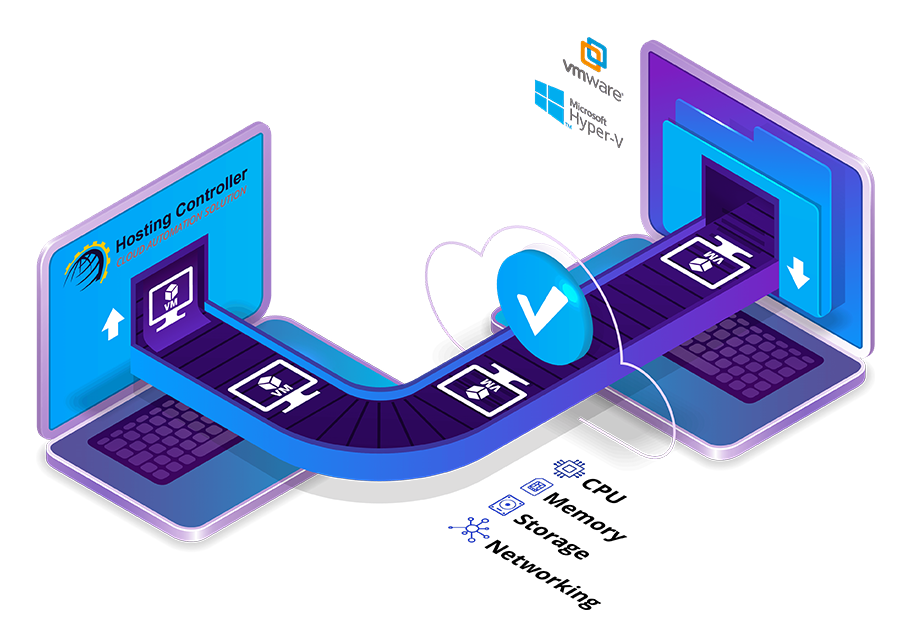
Allows semi-automated import for all existing virtual machines into the control panel. Once done, all users are instantly able to self-serve themselves using GUI or APIs for the resources that they own.
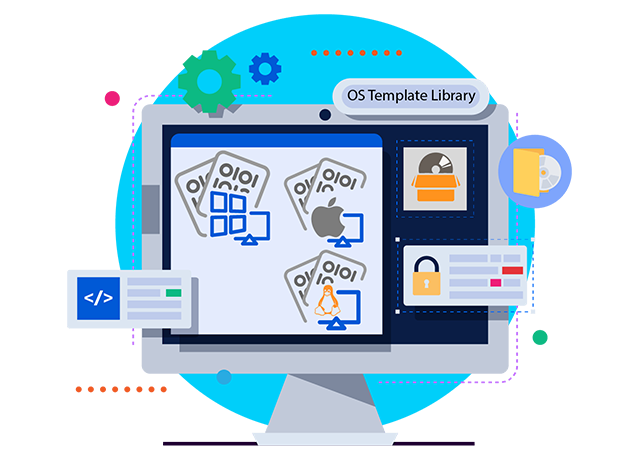
OS Template Library
Build your own library of OS templates. End-users can deploy any template on a provisioned virtual machine in seconds.
Central Control
All hierarchy of users login to a central location. Hosting Controller provides a single web-based control panel where every level of your organization, from the top administrator down through resellers, departments, and end users, signs in to manage their own virtualization resources. There is no need for separate tools per hypervisor or per cloud: Hyper-V, VMware, Amazon AWS, and Microsoft Azure are operated from the same console, with each user seeing only the quotas and virtual machines assigned to their place in the hierarchy.
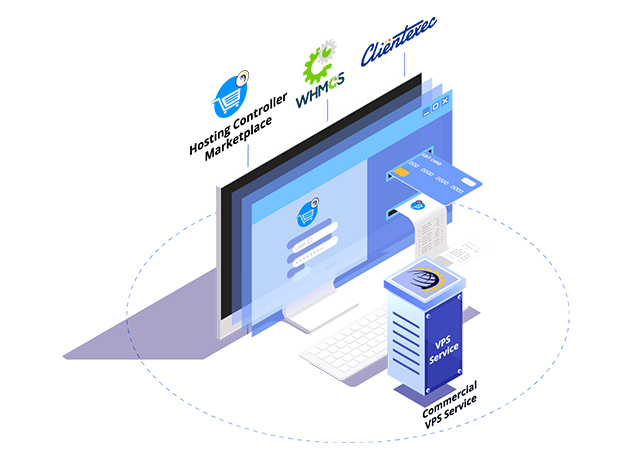
Commercial VPS Service
Adding Hosting Controller's marketplace application or some other supported third party BSS software, allows a complete commercial VPS Service.