Solutions
MS Exchange on Major Clouds with Control Panel
Deploy MS Exchange plus the control panel seamlessly on all important public clouds. Every deployment is powered by Hosting Controller's automation.
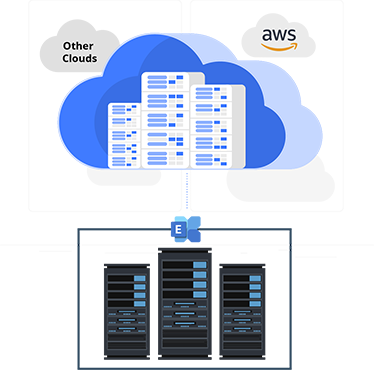
Deploy Exchange and the Control Panel on Public Clouds
Deploy Microsoft Exchange plus the Hosting Controller control panel seamlessly on all important public clouds. Get the flexibility to run hosted Exchange on the cloud of your choice with full automation.
Deployment Path
Deploying Exchange and the Control Panel
1. Deploying Exchange
On AWS: Deploying MS Exchange on AWS is fully automated by Amazon.
On other clouds: Deploying needs to be done manually. Get Windows machines as needed and install and configure the required MS applications.

2. Deploying the Control Panel
On AWS and Azure: Deploy the Hosting Controller Hybrid Multi-Cloud Control Panel on AWS and Microsoft Azure.
On other clouds: Download the installer from the Hosting Controller website and apply it on separate Windows machines in the cloud. These machines act as the control servers for the Hosting Controller cluster.
- Deploy on AWS
- Deploy on Microsoft Azure
- See How To Video for AWS
3. Email Data Migration (Optional)
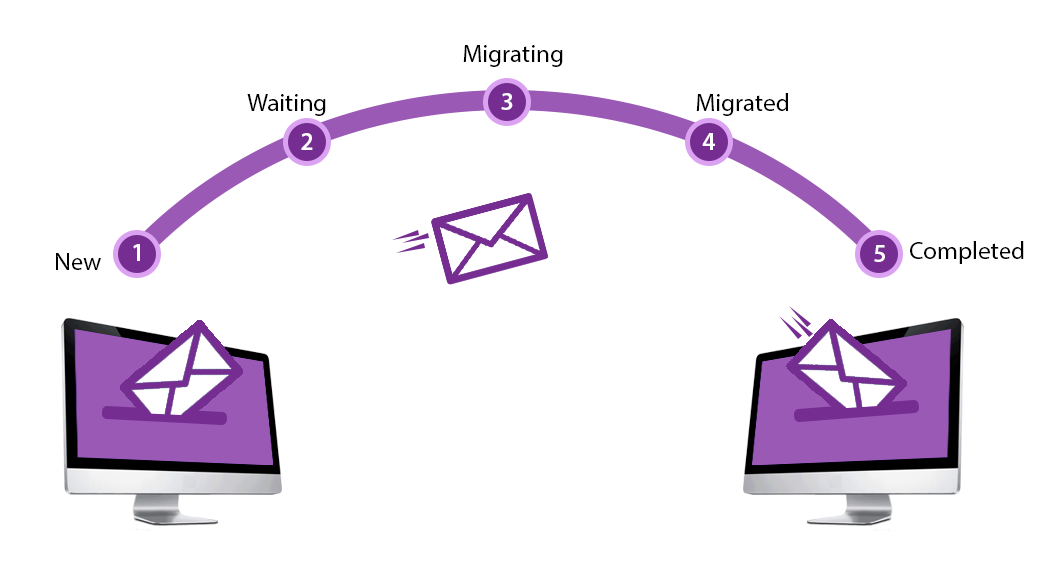
From MS Exchange: Use Efflux Migrator to migrate on-premises Exchange mailboxes to Exchange on AWS, Azure, and other clouds—and vice versa. Migrate not only mailboxes but also passwords and data.
From other mail servers: Migrate mailboxes from any legacy mail server to on-premises Exchange or any cloud-based MS Exchange. Even migrate between different versions of Exchange via Exchange Web Services (EWS).
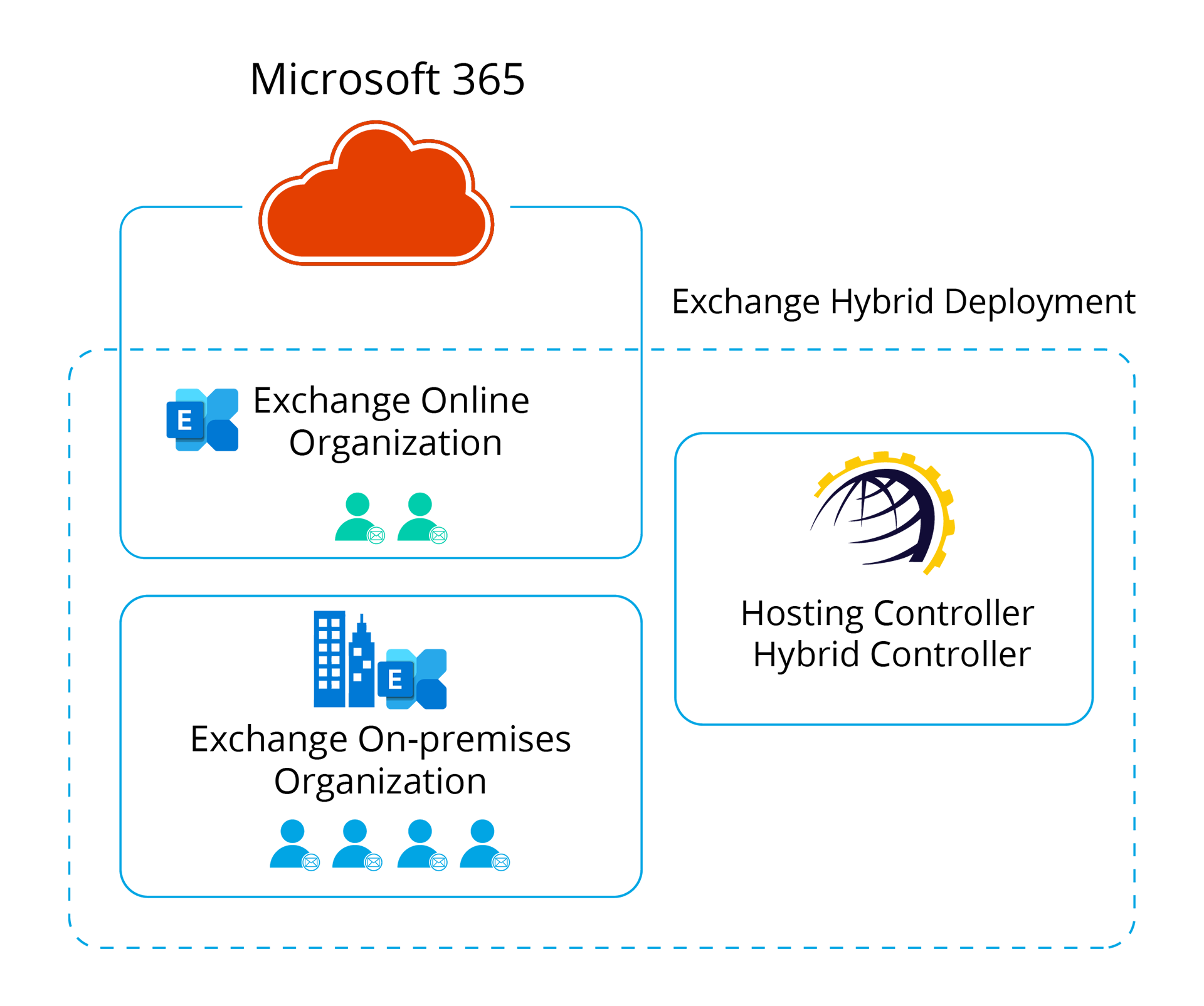
4. Hybrid Exchange Deployment (Optional)
Microsoft Exchange can be configured in a hybrid setting with Microsoft 365, so on-premises and cloud mail organizations coexist under one control plane.