ExSign for Microsoft 365
Professional Email Signatures for Microsoft 365
Apply consistent, compliant email signatures across your entire Microsoft 365 tenant from the cloud, with no software to install on user devices.

Cloud Email Signatures
Email Signature Software for Microsoft 365
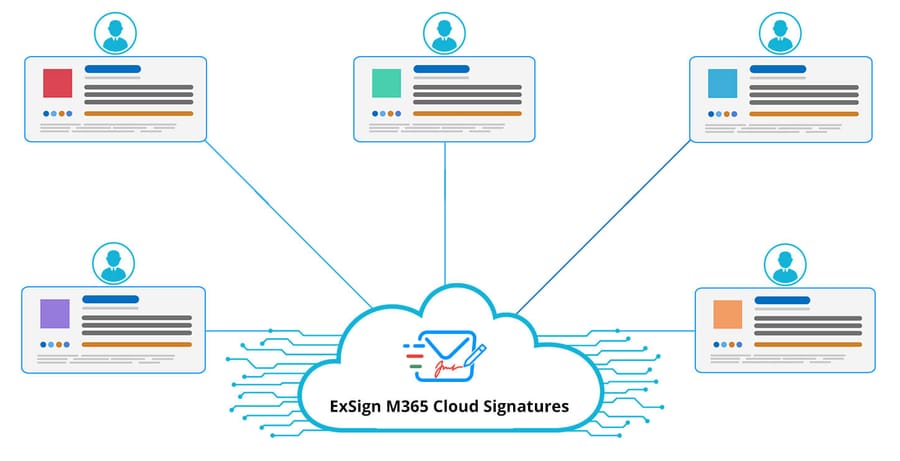
ExSign Cloud Signatures is a powerful cloud service that enables you to apply professional and consistent signatures seamlessly across your Microsoft 365 organization. There is nothing to install on user machines, and signatures are stamped server-side on every outgoing message.
How to Onboard and Get Started with ExSign for Microsoft 365
Watch the video
Choose Your Environment
Pick a preferred cloud service and onboard in a few simple steps.

Cloud Signatures for Microsoft 365 (Server-Side)
Give your IT teams more control over signatures. Apply signatures after emails have been sent, giving administrators more control over email signatures.
Talk to an expert
Cloud Signatures for Microsoft 365 (Client-Side)
Allow end users to see their signatures while they type. Senders get a full preview of their signature while they compose emails, before they send.
Talk to an expert
Hybrid Mode
Offer your organization both server-side and client-side signatures. Some members of the Microsoft 365 tenant can use server-side signatures while others benefit from client-side signatures.
Talk to an expertNo Infrastructure Required
No need to invest in costly physical infrastructure. Onboard our cloud service and start creating engaging signatures for your company, with no servers, no certificates, and no maintenance.

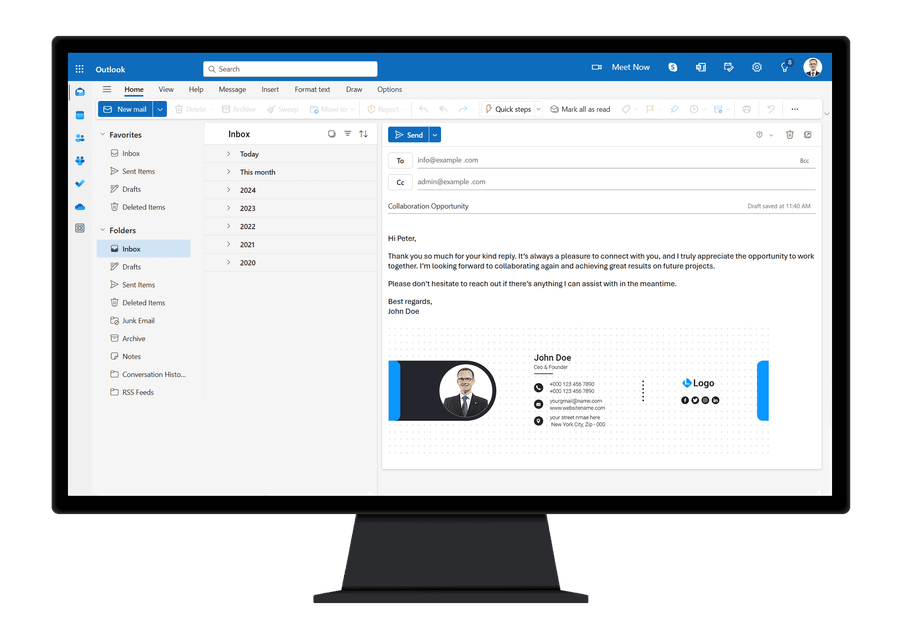
See Signatures While Typing
Insert email signatures directly into the message body as you compose in Outlook. Embed professionally formatted signatures seamlessly, saving time while maintaining brand consistency, perfect for dynamic, error-free emails drafted on the fly.
All Email Clients and Devices Supported
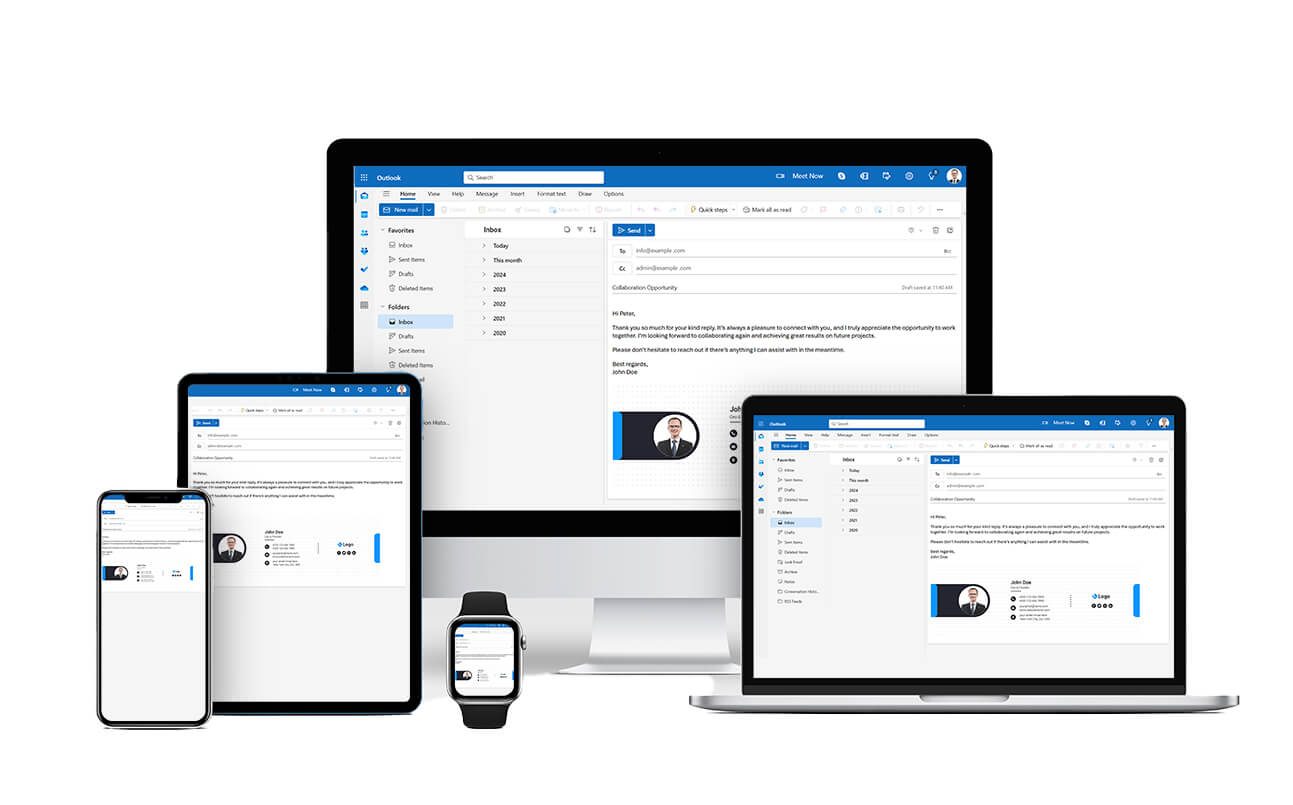
Enjoy full compatibility across all email clients and devices, including Android and iOS. Send emails with embedded signatures from desktops, tablets, or smartphones, with effortless cross-platform support.
Banners, Logos, and Social Media Icons
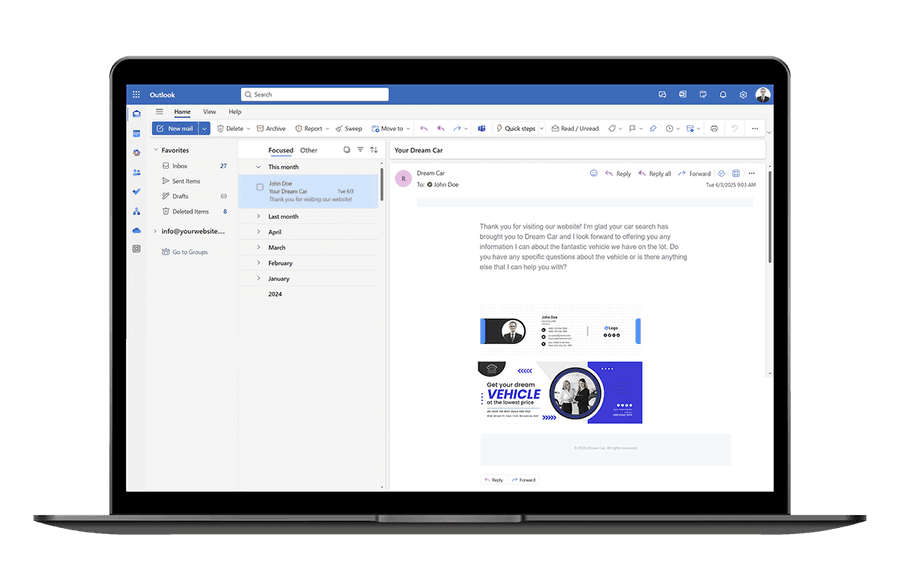
Enhance brand visibility with banners, crisp logos, and interactive social media icons built into your email signature. Turn every message into a marketing touchpoint that showcases your business and encourages engagement, automatically.
Legal Disclaimers
Stay compliant with centrally defined disclaimers to clearly communicate required notices, legal boundaries, and policy obligations to your recipients, especially across regulated industries.
Learn More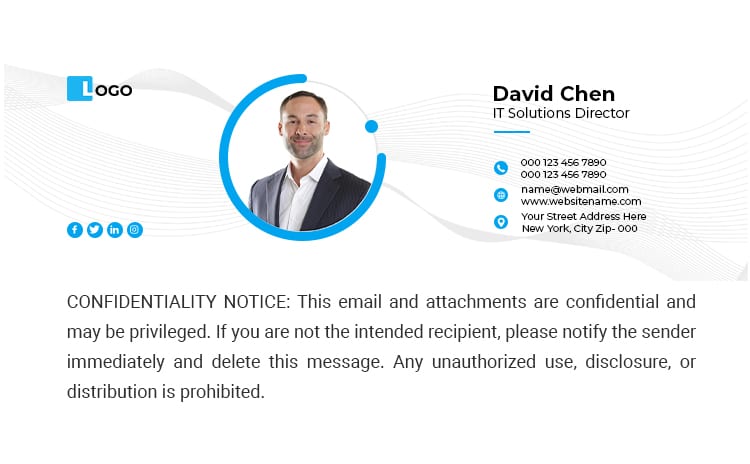

vCards
Create stunning digital business cards that stand out and make sharing effortless. Embed QR codes in your signatures so recipients can scan and connect instantly. Design from scratch or choose from professionally crafted templates.
Learn More"With ExSign, managing email signatures has become efficient and hassle-free. The solution provides centralized control, consistent branding, and reliable disclaimer management, resulting in improved governance and reduced operational overhead."

Why ExSign Signatures for Microsoft 365
The native features of Microsoft 365 are insufficient for providing consistent, company-wide email signatures to all users. ExSign Signatures for Microsoft 365 brings forward a compliant organization-wide email signature service that guarantees professional signatures across all members of a Microsoft 365 tenant. You don't need expensive hardware or on-premises infrastructure to use this service. Delivered entirely through the cloud, it allows you to get started quickly with simple online onboarding, enabling professional email signatures and disclaimers for your Microsoft 365 accounts in no time.
ExSign Cloud Service for Microsoft 365
Features
ExSign Cloud Service for Microsoft 365 is an ideal email signature solution for Microsoft 365. See the list of features below:
Cloud-based Architecture
ExSign M365 cloud-based architecture provides secure, scalable email signature management without requiring on-premises infrastructure.
Central Management
Admins can view all the rules and signatures across multiple Microsoft 365 organizations in one place and administer them accordingly.
Installation
No local installs required. Everything is managed in the ExSign cloud.
Microsoft Authentication
ExSign cloud service utilizes OAuth authentication for sign-in using Microsoft's OAuth 2.0 authorization protocol for secure access.
Hybrid Mode
Use both server-side and client-side signatures. Server-side stamps after sending; client-side stamps while typing.
Banner Management
Display banners with email signatures, set run times, and auto-remove or update them as needed.
Ready-Made Templates
Use pre-built signature templates to align signatures with your company's corporate identity—no design needed.
Rich Editor
Define signatures using a rich HTML editor with support for HTML, RTF, and plain text formats.
Onboard in Minutes
How It Works
See how to onboard to ExSign for Microsoft 365 and get started in a few simple steps:
1. Sign up for ExSign Billing Portal
Goto ExSign Billing Portal and sign up with a Microsoft account or any other email address.
2. Add Microsoft 365 Tenant
Click ExSign Tenants on the Dashboard and then click the + New Tenant button to add a Microsoft 365 tenant to the application.
3. Go Through Tenant Creation Process
Go through the tenant creation process by following a step-by-step creation wizard. To create a tenant, sign in with a Microsoft 365 global administrator, as this user has the highest level of administrative privileges.
4. Tenant Created
This will add the Microsoft 365 tenant to the ExSign Billing Portal. Click the Portal Login button to access the ExSign Portal.
5. Sign in to ExSign Portal
Sign in to ExSign Portal with your Microsoft account. ExSign Portal is the actual signature management interface where you create and manage your email signatures and rules.
6. Add Rule
Add a signature rule and provide a rule name and a brief description. Rules define conditions based on which signatures are applied.
7. Define Condition
Define a condition for the rule. Conditions can be to and from fields, subject and body fields, or other fields, such as message type and message direction fields.
8. Design Signature
Design your signatures. You can design signatures from scratch or use any of our professionally designed signature templates.
9. Add Banner
Finally, add a banner to your signatures. Adding banners to email signatures is a brilliant way of ensuring that new announcements, exclusive offers, awards, etc., are always in front of your customers.
Simple, Per-Mailbox Pricing
ExSign for Microsoft 365 Price Calculator
Estimate your cost by mailbox count. Bigger bundles unlock better savings, and annual billing takes a further 10% off.
ExSign Email Signatures M365
FAQ
ExSign Cloud Service is a full cloud-based email signature management solution for M365 managed by Hosting Controller, requiring no on-premises infrastructure.
Yes! A 14-day free trial is available for up to 100 mailboxes.
Yes! Please contact support@hostingcontroller.com to request an extension.
You'll need to purchase a subscription to continue using the service.
ExSign is licensed per mailbox (email address), not per organization.
ExSign offers flexible monthly and annual subscriptions, billed in advance.
No, it's not possible to switch from one subscription model to another.
One Suite, Every Platform
ExSign Works With
ExSign is part of a wider email signature suite from Hosting Controller, giving you a consistent management experience whether your organization runs Microsoft Exchange, Microsoft 365, or Google Workspace.

ExSign for Microsoft Exchange
Centrally manage and deploy email signatures across your on-premises Microsoft Exchange environment with full Active Directory integration.
Learn moreExSign for Microsoft 365Current
Deploy consistent email signatures across your Microsoft 365 tenant without any client-side installation, as a fully cloud-based SaaS solution.
You are here
ExSign for Google Workspace
Manage Gmail signatures organization-wide from a single admin portal, applied server-side to every outgoing message on every device.
Learn more