Restrict Password Reset
Regulate password resets. Allow only a certain number of password resets a day. After the limit wait 24 hours before changing the password again.
Identity Management
Active Directory Management and Self-Service Made Easy. Manage multiple Active Directories from a single console.
(30-day free trial)
Execute daily administration tasks via a standard web browser.
Offer Active Directory administrators and IT managers a web-based system to manage their Active Directories. Instead of employing native tools or PowerShell to provision and administer Active Directory objects, rely on the browser-accessible interface of ADSS Portal to offer absolute control of Active Directory environments.
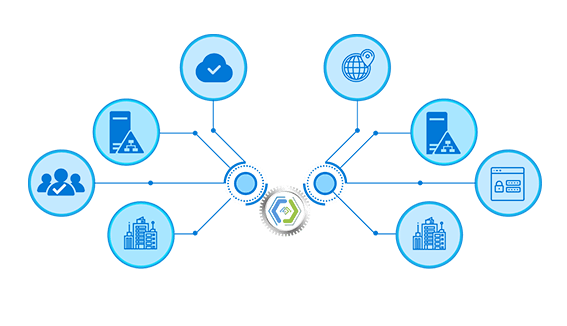
Control connected systems from one console.
Avoid the hassle of accessing each Active Directory separately. Manage multiple Active Directories from one central location, with a single consolidated view, be it an Active Directory in the same network as the central console or an offshore Active Directory, hundreds of miles apart.
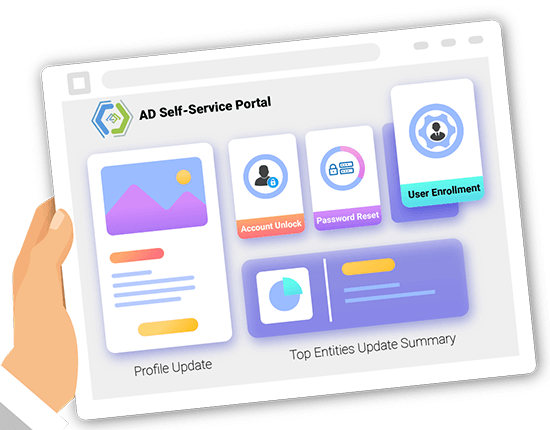
Don't let mundane tasks like password resets eat up your productive time. Allow AD users to update their own passwords, without your involvement.
Give AD users the liberty to update their own profiles without the involvement of IT administrators.
Avoid repetitive password resets by allowing users to change their own passwords.
Prevent users from getting locked out. Enable them to unlock their own domain accounts.
Manage multiple Active Directories.
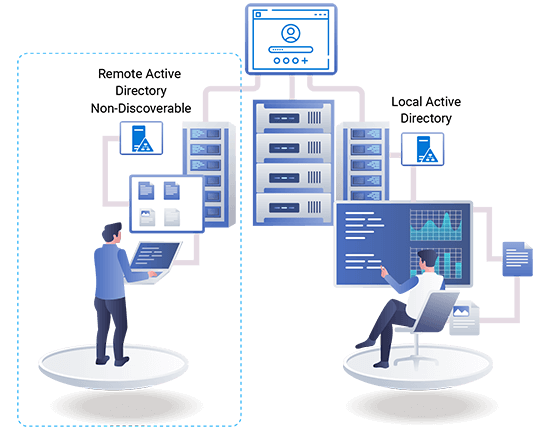
Manage not only local Active Directories but also multiple remote Active Directories. Remote Active Directories are ADs that are not discoverable in the network of the central console and may be distant Active Directories lying hundreds or even thousands of miles apart.

Minimize security risks with MFA.
Strengthen the login process with multi-factor authentication. Allow only authenticated users to perform management actions. Ensure the delivery of one-time passwords (OTP) through email, SMS, or authenticator applications.
Provision directly into Active Directory.
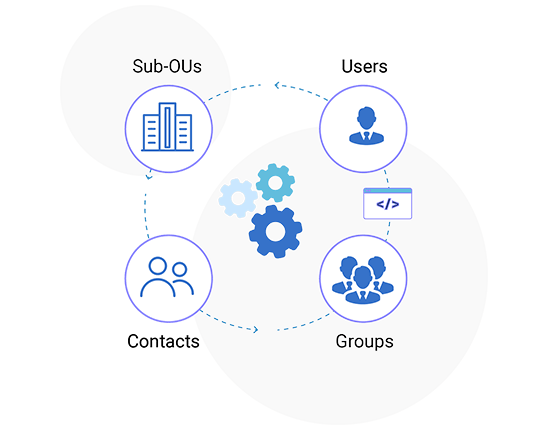
Create AD users, groups, contacts, and sub-OUs more efficiently. Provision objects directly under organizations and even delete them if needed. Move users from one OU to another and add multiple organization suffixes to organizations.
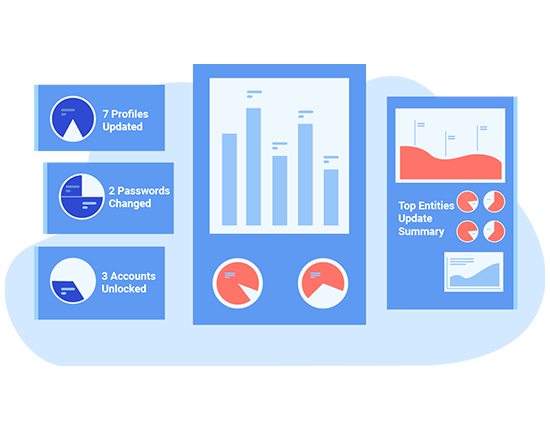
Track self-service activity at a glance.
Provide complete visibility into Active Directories and glean information from various charts. See the number of profiles updated, users enrolled, passwords changed and accounts unlocked.
Verify identity before self-service actions.
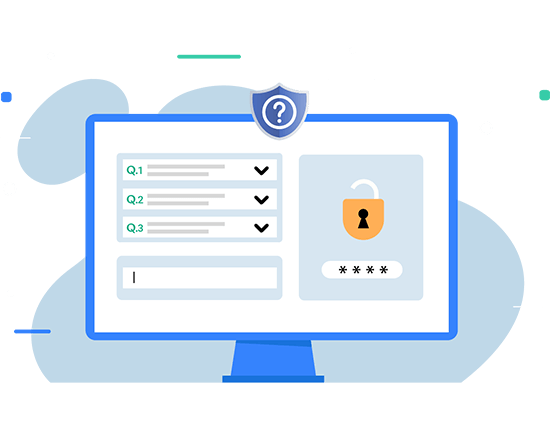
Enroll for self-service by answering system-defined and AD-defined security questions. Thwart all login attempts that fail to answer questions correctly.

Implement a strong password policy through complex passwords. Ensure password complexity through special characters and variable password lengths. Leverage the following Domain Controller password policy settings.
Enforce security through granular security checks. Restrict user access to AD data through these stringent security measures. Fend off cyber attacks.
Regulate password resets. Allow only a certain number of password resets a day. After the limit wait 24 hours before changing the password again.

Control the number of times users can unlock their accounts in a day. After reaching the limit wait for the next day before restricting again.
Separate interfaces for all admin roles.
Watch Video
Explore the full documentation for AD Self-Service Portal.
View Documentation