


Professional Email Signatures for Google Workspace
Create, deploy, and manage professional Gmail signatures from a single centralized platform.




Centrally manage email signatures across your Google Workspace organization.
Empower organizations to maintain consistent branding, ensure regulatory compliance, and automate signature management across all users, departments, and devices.
Powerful Features Built for Google Workspace (G-Suite)
-
1
Centralized Signature Management
Control every user's Gmail signature from one admin console no need to touch individual accounts or train employees.
-
2
Consistent Corporate Branding
Ensure every email sent from your organization carries the correct logo, colors, legal disclaimers, and formatting every time.
-
3
Automatic User Data Synchronization
Signatures update automatically when employee details change in Google Directory no manual updates, no stale contact information.
-
4
Server-Side Signature Application
Signatures are applied at the mail server level no browser extensions, no plugins, and no end-user cooperation required.
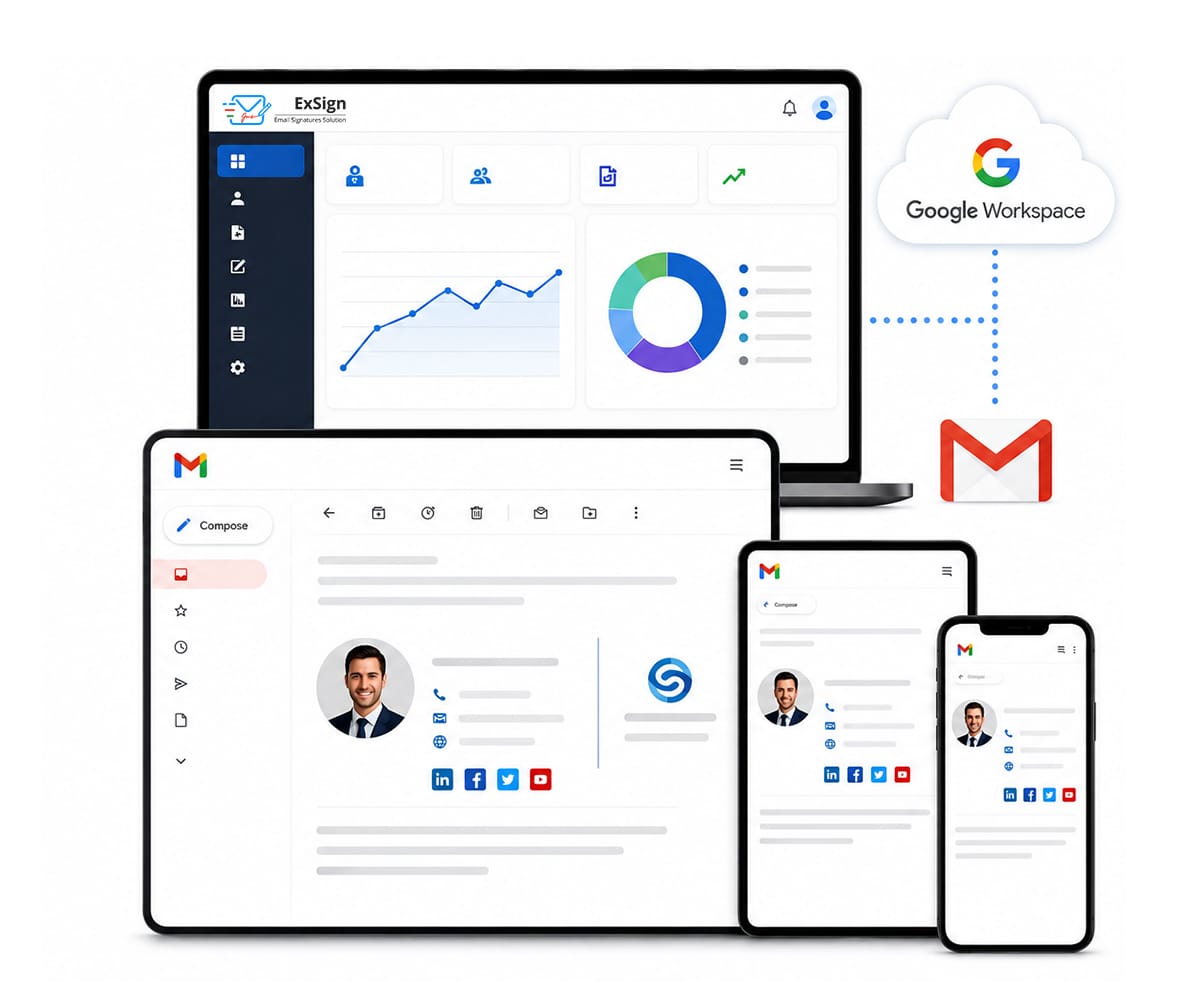
Why IT teams trust ExSign for Google Workspace
ExSign applies signatures at the server level, so they appear correctly on every device desktop, mobile, and tablet without requiring any client-side installation or end-user action.
- Signatures applied server-side works on every device including mobile
- Save hours each week manage all signatures from one admin portal
- Signatures stay accurate even when employees forget to update their own
- Legal disclaimers and compliance text appended automatically to every email
- Role-based rules ensure each department gets the right signature template
Email Signature Management for Google Workspace
Give your IT team centralized control over every Gmail signature in the organization. Enforce brand consistency across all departments, ensure no email leaves without the correct signature, and eliminate the need for end-user compliance.
Manage Signatures at Scale
Deploy and update signatures across your entire Google Workspace organization in minutes, not days. Whether you have 10 users or 10,000, ExSign handles it the same way.
- Assign different signature templates to different departments, locations, or roles
- Update contact details, logos, and banners from one place instantly live
- User data pulled automatically from Google Directory zero manual entry
- Set time-based rules for seasonal campaigns or promotional events


Extend Your Email Marketing Campaigns
Every email your team sends is a branding and marketing opportunity. ExSign lets you embed promotional banners, campaign CTAs, and targeted messages directly into the email signature automatically, at scale.
- Run time-limited promotional banners across all outgoing emails
- Target campaigns by department sales gets sales content, support gets support content
- Track click-through rates on signature banners without any third-party tools
- Schedule campaign start and end dates in advance launches automatically
ExSign Works With
ExSign is part of a wider email signature suite from Hosting Controller, giving you a consistent management experience whether your organization runs Microsoft Exchange, Microsoft 365, or Google Workspace.
ExSign for Microsoft Exchange
Centrally manage and deploy email signatures across your on-premises Microsoft Exchange environment with full Active Directory integration.
Learn moreExSign for Google Workspace Current
Manage Gmail signatures organization-wide from a single admin portal, applied server-side to every outgoing message on every device.
You are hereExSign for Microsoft 365
Deploy consistent email signatures across your Microsoft 365 tenant without any client-side installation, as a fully cloud-based SaaS solution.
Learn moreHow Does ExSign Work with Google Workspace?
ExSign connects to your Google Workspace directory, pulls employee data automatically, builds signatures from your branded templates, and injects them server-side into every outgoing email all without requiring any action from your users.
Connect
Link ExSign to your Google Workspace account via the admin console. Authorise access and your user directory syncs instantly.
Design
Build professional signature templates using the drag-and-drop editor. Add logos, social links, banners, and legal disclaimers.
Assign
Apply templates to individuals, groups, departments, or your entire organization using flexible rule-based targeting.
Deploy
Signatures go live immediately applied server-side to every outgoing Gmail, on every device, without any end-user steps.