HOSTING CONTROLLER 8 MANUALS :: Host Admin |
|
HOSTING CONTROLLER 8 MANUALS :: Host Admin |
|
Click My Server menu under the System section.
Click the ActiveSync Policies submenu under the Exchange Server Settings section.

Select the Policy as required.
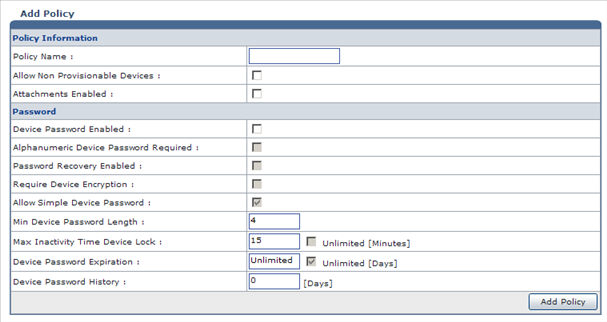
Select Add Policy to add the policy as required.
Select Edit Policy to modify the policy as required.
Select Save As Default to make the selected policy a default policy.
Select Delete to remove the selected policy.
