HOSTING CONTROLLER 8 MANUALS :: Host Admin |
|
HOSTING CONTROLLER 8 MANUALS :: Host Admin |
|
EDIT GATEWAY:
To edit a gateway:
Click Billing System menu under Hosting Manager section.
Click Integrate/Edit Payment Gateway submenu under the Advanced Options.
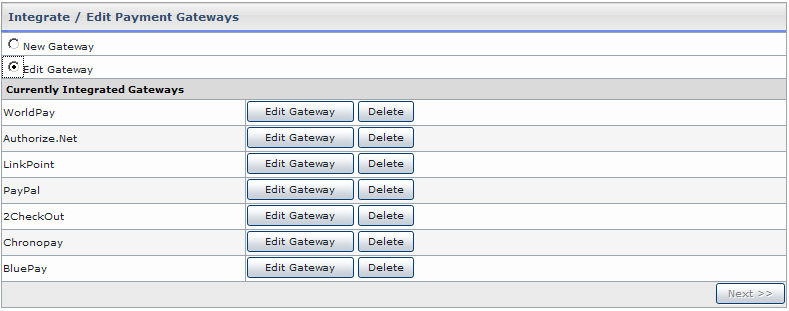
On the Integrate/Edit Payment Gateway page, tick the option to edit gateway.
You will be displayed with the Currently Integrated Gateways.
Click the Edit Gateway button for the required gateway.
On the Edit Gateway page update the information as required. This information is same as provided on adding a New Gateway page.